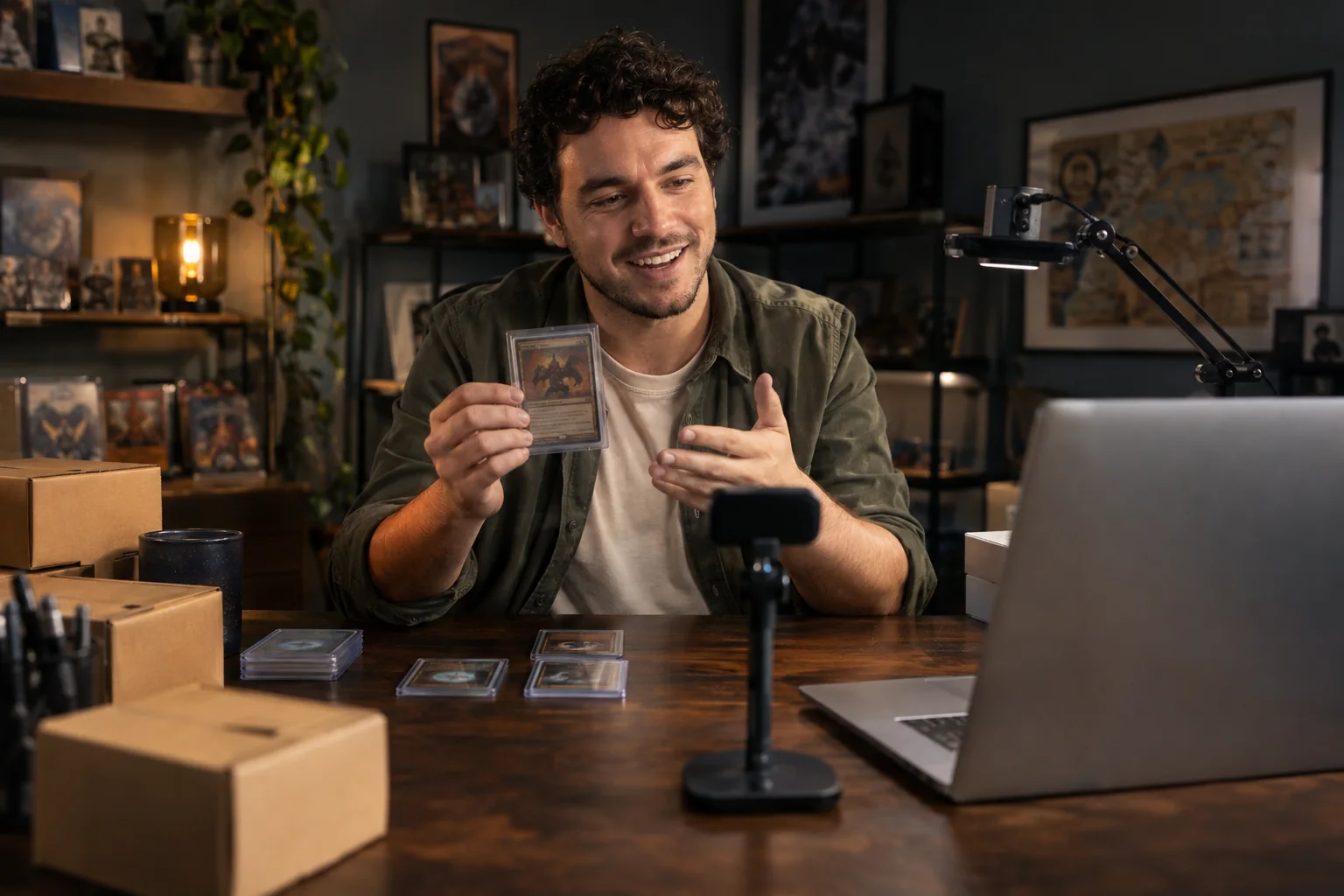
Sell it. Show the details.
Keep a phone on you and another on the product. Give buyers a closer look without lifting everything up to a webcam.
Start with what you already own.
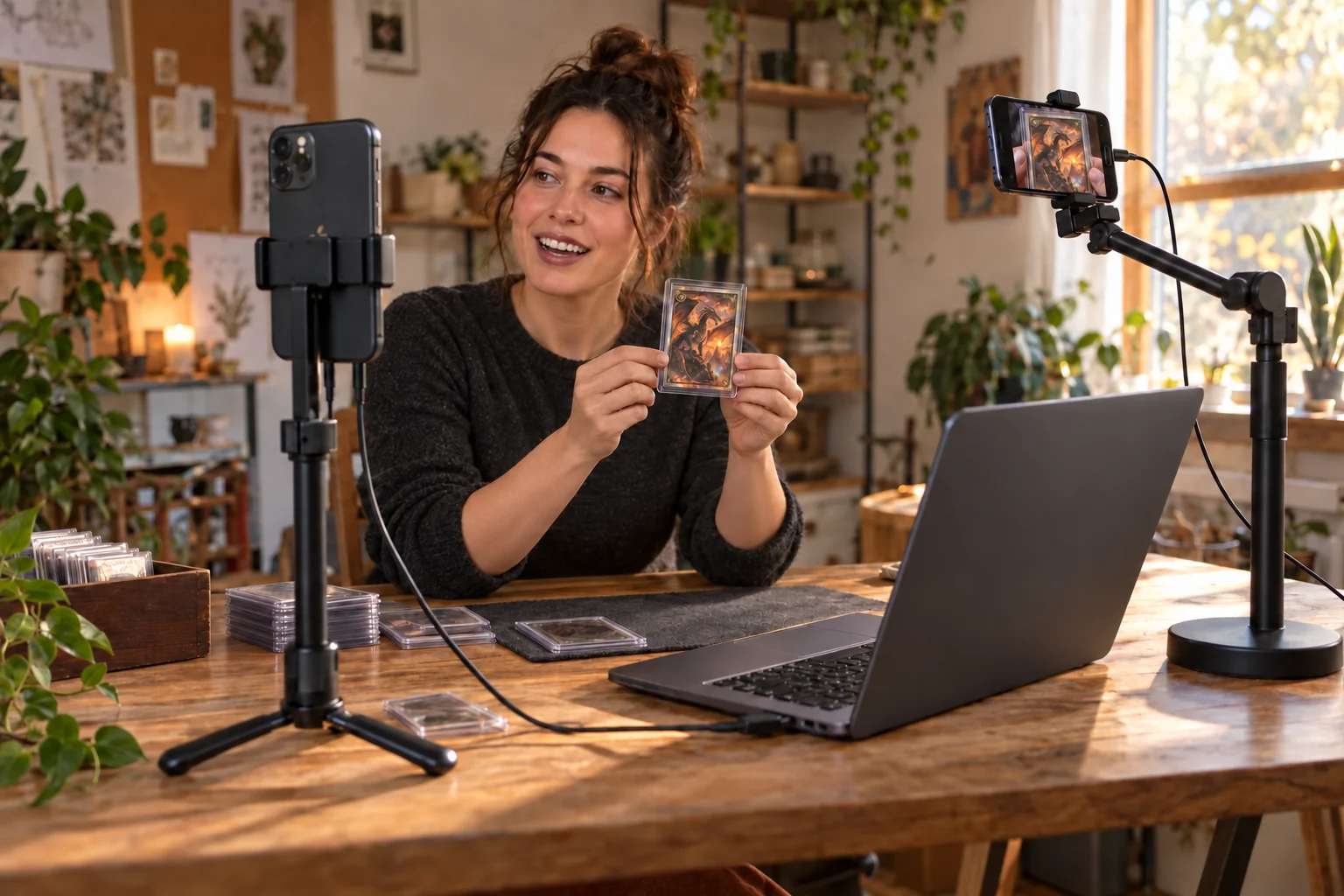
Vendivo turns iPhones and Android phones into streaming cameras. Connect them to your Mac or Windows PC, bring your angles into OBS, and build a live stream with the equipment you already own.

02 / HOW VENDIVO WORKS
Turn the phones you have into streaming cameras. Bring the angles together on your computer.
01 THE CAMERA APPS
Put Vendivo on each supported phone. Point one at you, another at the detail. Add an angle without buying another dedicated camera.
02 THE LOCAL LINK
Send the camera feeds to your computer. Your video travels over your connection, without a Vendivo cloud relay in between.
03 THE DESKTOP APPS
Bring your camera feeds into OBS with Vendivo on your computer. Stream and record with multiple angles, using equipment you already own.
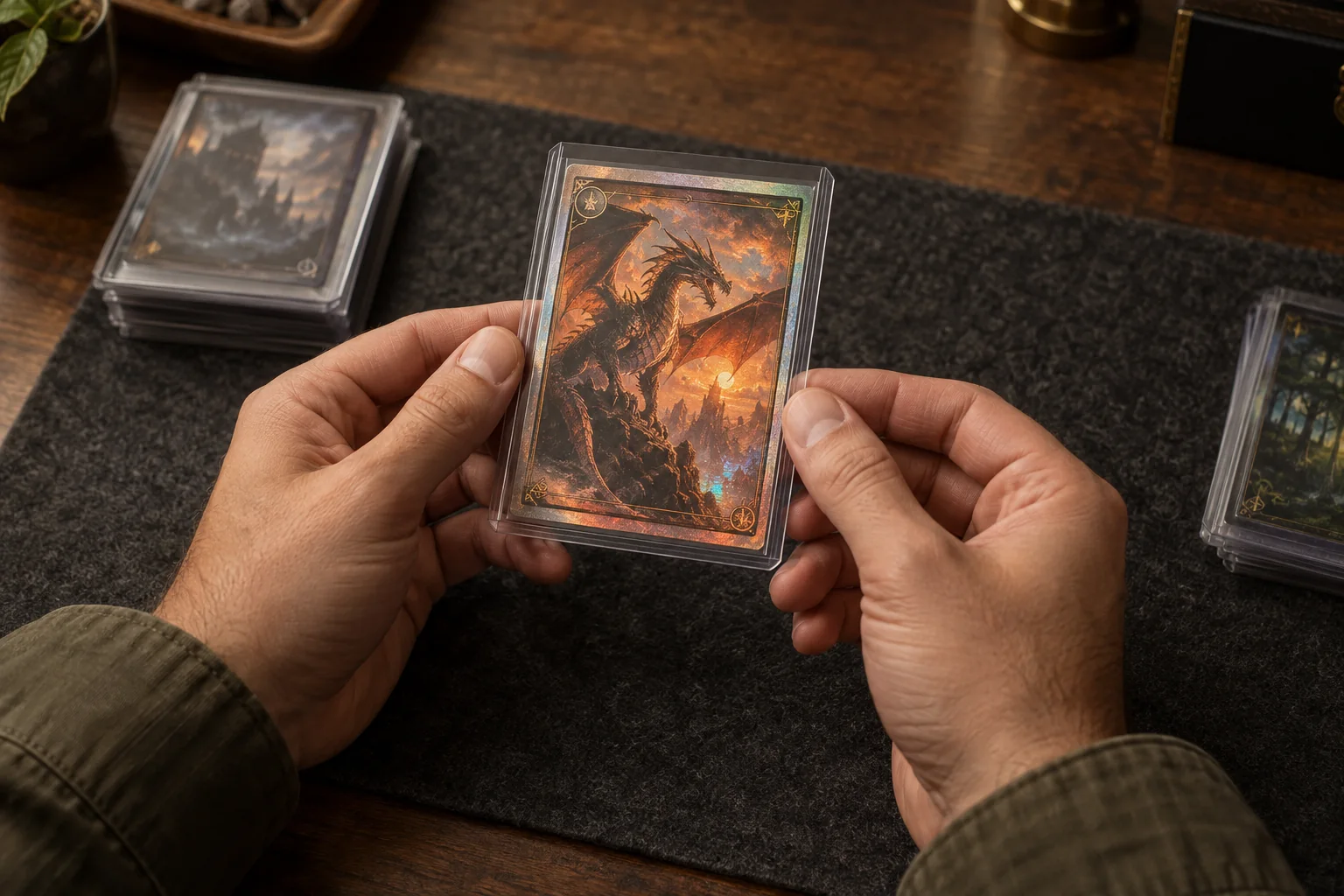
One phone on you. Another on the details.
Keep one phone on your face and point another at your work. A product close-up, a hands-on lesson, a different view of the performance. Vendivo brings those phone cameras into your stream.
Try a live-selling example04 / Try it with your camera
Selling, teaching, or creating? Start with what you want to share. We’ll suggest a camera layout, help you connect your webcam and phone, and walk you through a real rehearsal.
Try the studioNo app download or account. Camera access starts when you choose. Phone video is encrypted in transit to your studio; recordings stay on your computer.
Get a recommended starting layout for your content.
We’ll guide you through your webcam and phone.
Try split view or PiP and save a short recording.
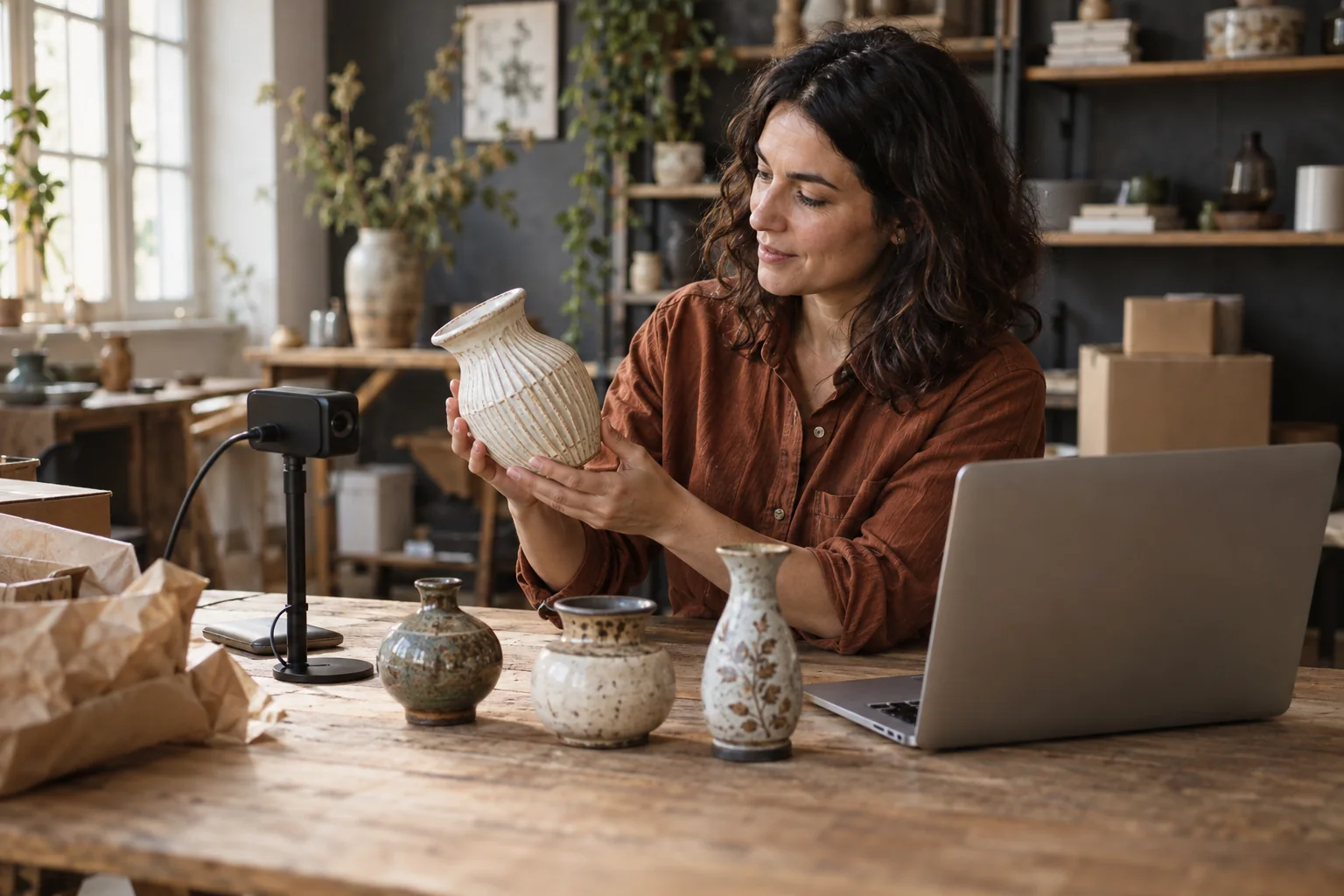
Sell a collectible. Teach a technique. Take people behind the scenes. Put a phone on you and another on what you’re doing, and give your audience more to connect with.
Start with the phones and computer you have. Add another angle when your stream needs one.
Find your setupKeep a phone on you and another on the product. Give buyers a closer look without lifting everything up to a webcam.
Talk to your audience on one angle while another phone shows your hands, your materials, or the next step.
Give your stream another perspective. Add a view of your workbench, your instrument, or what’s happening around you.
You don’t need to start with a shopping list of studio cameras. Vendivo helps you build a streaming setup around phones, a computer, and the story you want to share.
For the first 30-day launch window. Keep this rate while continuously subscribed. Standard monthly is $79 after the window; lifetime is $950 in batches of 25, capped at 100.
Try your setup for 14 days. Activate your full Pro account trial in Account Center, with no card or automatic charge. Ready to buy? Check your workspace’s available offers there.